Troubleshooting Common DIY Smart Home Issues in 2026
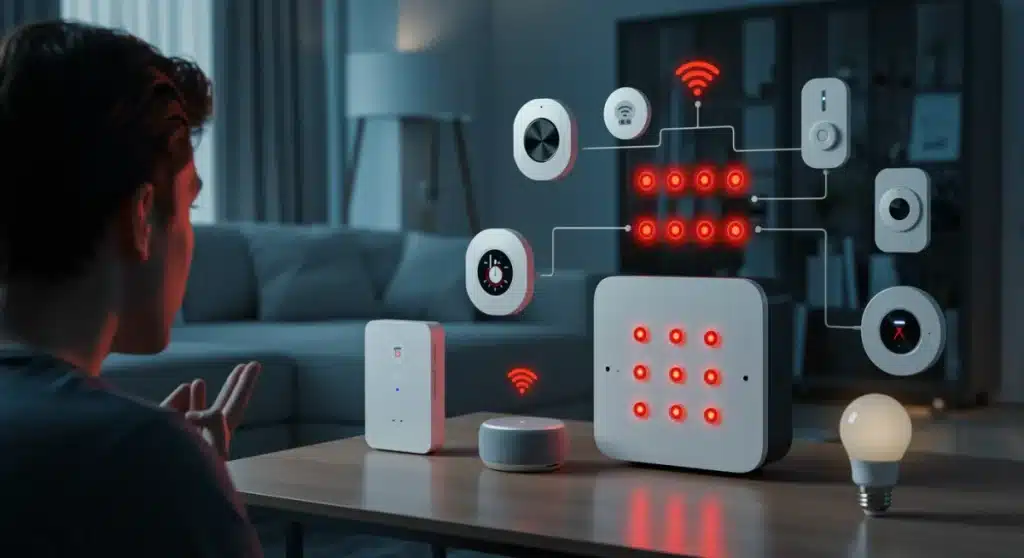
Successfully tackling common DIY smart home issues in 2026 requires understanding prevalent connectivity, power, and compatibility challenges, and applying systematic diagnostic and resolution techniques for seamless operation.
Welcome to the era of intelligent living, where our homes are more connected than ever. However, even in 2026, setting up and maintaining a DIY smart home can still present its unique set of challenges. This guide is dedicated to helping you with troubleshooting common DIY smart home issues, ensuring your connected ecosystem runs smoothly and efficiently.
Understanding the smart home ecosystem of 2026
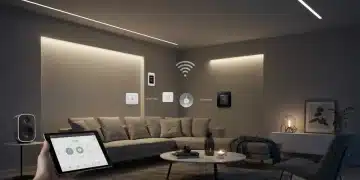
The smart home landscape in 2026 is a complex web of interconnected devices, protocols, and platforms. From Matter-enabled devices to advanced AI-driven automation, the possibilities are vast. However, this complexity also introduces potential points of failure that DIY enthusiasts must navigate.
A fundamental understanding of how these components interact is crucial for effective troubleshooting. Many issues stem from misconfigurations or unexpected interactions between devices that, on paper, should work seamlessly together. The continuous evolution of firmware and software updates can also introduce new variables, sometimes resolving issues and other times creating new ones.
The role of connectivity protocols
Connectivity is the lifeline of any smart home. In 2026, we primarily rely on Wi-Fi, Zigbee, Z-Wave, and increasingly, Thread (part of the Matter standard). Each protocol has its strengths and weaknesses, impacting range, power consumption, and data transfer rates.
- Wi-Fi: High bandwidth, but can be prone to congestion with many devices.
- Zigbee/Z-Wave: Low power, mesh networks, ideal for sensors and smaller devices, but require a hub.
- Thread: IP-based, low power, mesh network, offering improved reliability and direct cloud connectivity for many devices.
Understanding which devices use which protocol can help diagnose network-related problems. For instance, a Zigbee device failing to respond might indicate a hub issue, while a Wi-Fi device dropping offline could point to router congestion or signal interference.
The smart home ecosystem of 2026 demands a holistic approach to troubleshooting. It’s not just about fixing one device, but understanding its place within the larger network and how its performance affects, and is affected by, other elements. A solid grasp of these foundational concepts will empower you to tackle issues systematically and efficiently.
Persistent connectivity problems: the invisible enemy
Connectivity issues remain one of the most frustrating and common DIY smart home problems, even in 2026. Devices that frequently drop offline, respond slowly, or fail to connect initially can turn a smart home into a source of constant irritation. These problems are often invisible, making diagnosis challenging without the right tools and knowledge.
The ubiquity of wireless technologies means that our home networks are constantly battling interference from neighboring networks, other electronic devices, and even physical obstructions. Identifying the root cause requires a methodical approach, distinguishing between network-wide issues and device-specific glitches.
Diagnosing wi-fi interference and signal strength
Wi-Fi signal strength is paramount for reliable device operation. Weak signals can lead to intermittent connections, slow response times, and complete disconnections. Interference, on the other hand, can corrupt data packets, causing devices to behave erratically or become unresponsive.
- Router placement: Centralize your router for optimal coverage, avoiding walls and large appliances.
- Channel optimization: Use a Wi-Fi analyzer app to identify congested channels and switch your router to a less crowded one.
- Mesh networks: Consider a mesh Wi-Fi system for larger homes to eliminate dead zones and improve signal distribution.
Beyond Wi-Fi, Zigbee and Z-Wave networks can also suffer from interference or poor signal. Ensuring your hubs are centrally located and not obstructed by dense materials can significantly improve network robustness. Regularly checking the network map provided by your smart home hub can also reveal weak links in your mesh network.
Addressing persistent connectivity challenges involves a combination of environmental adjustments, network optimization, and regular monitoring. By understanding the common culprits and applying systematic diagnostic steps, you can significantly improve the reliability of your smart home network and enjoy uninterrupted smart living.

Power management and battery drain for smart devices
Power is the lifeblood of smart devices, and mismanagement or unexpected battery drain can lead to frustrating outages and constant maintenance. In 2026, many DIY smart home devices rely on batteries for portability and ease of installation, making efficient power management a critical aspect of system reliability. Understanding why batteries drain prematurely or how to address power supply issues is essential for a smooth smart home experience.
From smart sensors that suddenly go offline to security cameras that require frequent recharging, power-related problems can disrupt automation routines and compromise home security. Diagnosing these issues often involves more than just replacing batteries; it requires an investigation into device settings, network health, and environmental factors.
Optimizing battery life for sensors and cameras
Battery life in smart devices is influenced by several factors, including usage frequency, network signal strength, and device configuration. For instance, a motion sensor in a high-traffic area will consume more power than one in a rarely used space. Similarly, a smart camera recording continuously will drain its battery much faster than one configured to record only upon motion detection.
- Adjust sensitivity: Reduce the sensitivity of motion sensors to trigger less frequently.
- Optimize recording settings: For cameras, use lower resolutions or shorter recording clips if continuous high-definition footage isn’t critical.
- Improve network signal: Devices constantly struggling for a network connection consume more power. Ensure a strong signal to minimize this drain.
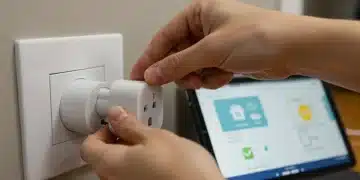
For devices connected to mains power, ensuring a stable power supply is crucial. Smart plugs and switches need consistent power to function correctly and avoid unexpected resets. Power surges or fluctuations can damage devices or cause them to behave erratically, making a surge protector a wise investment for sensitive smart home equipment.
Effective power management and proactive battery monitoring are key to minimizing downtime and extending the lifespan of your DIY smart home devices. By optimizing settings, improving network conditions, and ensuring stable power, you can significantly reduce the incidence of power-related issues and maintain a consistently functional smart home.
Compatibility conundrums: when devices refuse to cooperate
The promise of a universally connected smart home sometimes clashes with the reality of diverse ecosystems and proprietary technologies. Compatibility conundrums arise when devices from different manufacturers, or even within the same brand, refuse to communicate or integrate seamlessly. In 2026, while standards like Matter aim to alleviate some of these issues, many legacy and niche devices still present challenges for DIY enthusiasts.
These issues can manifest as devices not appearing in your smart home app, automations failing to trigger, or voice assistants being unable to control certain functions. The frustration often stems from the expectation that all smart devices should ‘just work’ together, a notion that is not always true in practice.
Navigating different smart home platforms and standards
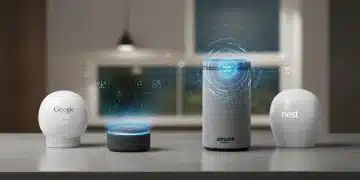
Smart home devices typically operate within specific platforms (e.g., Apple HomeKit, Google Home, Amazon Alexa) or adhere to certain communication standards (e.g., Zigbee, Z-Wave, Thread). While many platforms offer some level of cross-compatibility, deep integration can still be elusive.
- Check certifications: Look for ‘Works with’ or ‘Matter certified’ labels to ensure broader compatibility.
- Use bridging hubs: For devices using different protocols, a universal hub (like SmartThings or Home Assistant) can often bridge the gap.
- API integrations: Some advanced users can leverage device APIs (Application Programming Interfaces) for custom integrations, though this requires technical expertise.
Even with Matter, some advanced features or specific device functionalities might still be exclusive to their native ecosystem. It’s important to research device compatibility thoroughly before purchase, especially if you’re building a multi-brand smart home. Forums and community groups are invaluable resources for real-world compatibility experiences and workarounds.
Overcoming compatibility issues often requires patience, thorough research, and a willingness to explore alternative solutions or third-party integrations. By understanding the limitations and capabilities of different platforms and standards, DIYers can build a more harmonious and functional smart home ecosystem, mitigating the frustrations of non-cooperating devices.
Software glitches and firmware update failures
In the digital heart of every smart device lies its software and firmware. Just like any computer, these programs are susceptible to glitches, bugs, and update failures that can render devices unresponsive or dysfunctional. In 2026, with devices receiving continuous updates for security patches, new features, and performance improvements, managing software and firmware effectively is a crucial aspect of maintaining a healthy DIY smart home.
A failed firmware update can brick a device, while a software bug can lead to erratic behavior, such as lights turning on randomly or thermostats failing to maintain desired temperatures. These issues, while often fixable, can be time-consuming and require specific troubleshooting steps unique to each device and manufacturer.
Best practices for updates and recovery
Regular updates are vital for security and functionality, but they also carry risks. It’s important to approach them cautiously and be prepared for potential issues. Always back up configurations where possible, and understand the recovery process for your devices.
- Read release notes: Before updating, check the release notes for known issues or specific instructions.
- Stable network connection: Ensure a strong, stable internet connection during firmware updates to prevent corruption.
- Power stability: Avoid power interruptions during an update, as this is a common cause of bricked devices.
If a device becomes unresponsive after an update or exhibits strange behavior, a factory reset is often the first step in troubleshooting. While this means reconfiguring the device, it can resolve software conflicts or corrupted settings. Many manufacturers also provide specific recovery tools or instructions on their support websites for failed updates.
Proactive software and firmware management, combined with a clear understanding of recovery procedures, can significantly reduce the impact of glitches and update failures. By staying informed and prepared, DIY smart home enthusiasts can navigate these digital challenges and keep their devices operating optimally.
Voice assistant misinterpretations and automation failures
Voice assistants and home automation routines are central to the smart home experience in 2026, offering convenience and efficiency. However, when voice commands are misinterpreted or automations fail to execute as expected, the smart home can quickly lose its appeal. These issues often stem from a combination of software quirks, environmental factors, and complex configuration challenges.
It’s frustrating to repeat commands or find that your lights didn’t turn off when you left home. Diagnosing these problems requires examining both the input (your voice command or trigger condition) and the output (the device’s response or automation’s action), along with all the steps in between.
Refining voice commands and automation logic
Voice assistants, while advanced, are not infallible. Misinterpretations can occur due to background noise, accents, or simply ambiguous phrasing. Similarly, automation failures can be caused by faulty logic, incorrect device states, or external factors.
- Clear phrasing: Use precise and consistent phrasing for voice commands. Avoid jargon or overly complex sentences.
- Test automation steps: Break down complex automations into smaller steps and test each one individually to pinpoint failures.
- Check device states: Ensure all devices involved in an automation are online and in their expected state before the automation triggers.
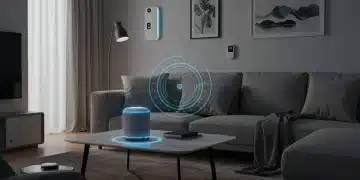
Environmental factors, such as the placement of smart speakers, can also affect voice recognition. Positioning speakers away from reflective surfaces and in central locations can improve their ability to hear commands accurately. For automations, reviewing the conditions and actions in your smart home app’s logs can often reveal why a routine didn’t execute.
Addressing voice assistant misinterpretations and automation failures involves refining your commands, meticulously reviewing automation logic, and optimizing your smart home environment. By systematically troubleshooting these elements, you can achieve a more reliable and intuitive smart home experience, making your daily routines truly seamless.
| Common Smart Home Issue | Brief Solution |
|---|---|
| Connectivity Drops | Optimize router placement, check Wi-Fi channels, consider mesh networks. |
| Rapid Battery Drain | Adjust sensor sensitivity, optimize camera settings, ensure strong network signal. |
| Device Incompatibility | Verify certifications, use bridging hubs, research API integrations for advanced cases. |
| Automation Failures | Refine voice commands, test automation logic step-by-step, verify device states. |
Frequently asked questions about smart home troubleshooting
The first step is always to power cycle the device and your smart home hub or router. A simple reboot can often resolve temporary glitches or connectivity issues that cause devices to become unresponsive. If that doesn’t work, check your network connection and the device’s battery status.
To improve Wi-Fi signal, place your router in a central location, away from obstructions like thick walls or large appliances. Consider using a Wi-Fi analyzer app to find less congested channels. For larger homes, a mesh Wi-Fi system can significantly extend coverage and strengthen signals for all your devices.
Random light activation usually indicates an automation rule or schedule is misconfigured or a software glitch. Check all your smart home apps for conflicting routines, ghost schedules, or integration issues with other devices. A factory reset of the problematic light can also resolve persistent software bugs.
‘Matter certified’ means a smart device adheres to the Matter standard, an open-source connectivity protocol designed to ensure seamless interoperability between devices from different brands and platforms. This certification simplifies setup and enhances reliability, reducing compatibility headaches in your smart home ecosystem.
Yes, firmware updates are generally safe and crucial for security and performance. However, always ensure a stable power supply and internet connection during the update process. Review release notes for any known issues and understand the recovery procedure for your device in case an update fails to complete successfully.
Conclusion
Navigating the intricacies of a DIY smart home in 2026 can be rewarding, but it’s not without its challenges. By systematically addressing common issues such as persistent connectivity problems, power management concerns, compatibility conundrums, software glitches, and voice assistant misinterpretations, you can maintain a robust and responsive smart home ecosystem. Proactive monitoring, a foundational understanding of your devices and network, and a methodical approach to troubleshooting are your best allies in ensuring a seamless and enjoyable smart living experience.