Smart Home DIY Automation: Build a Custom Voice-Controlled Lighting System in 5 Steps for 2026
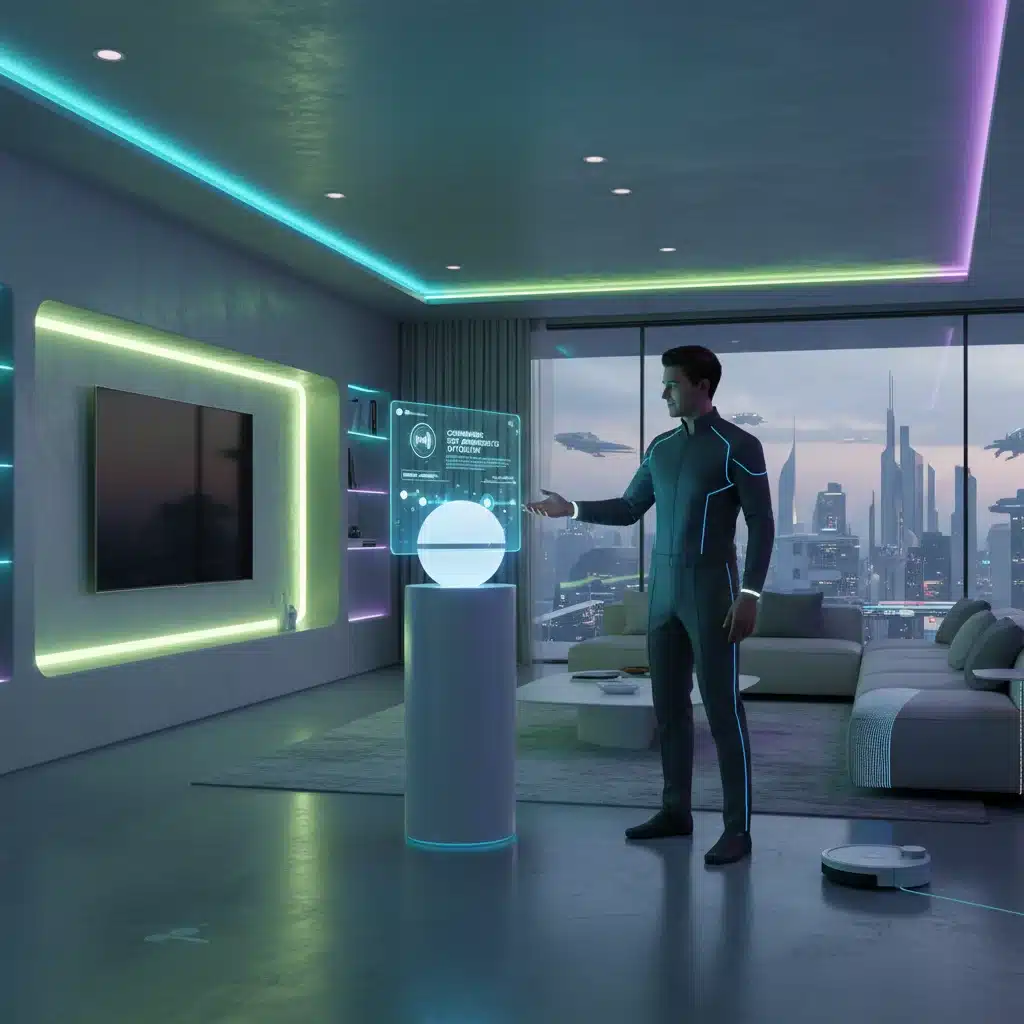
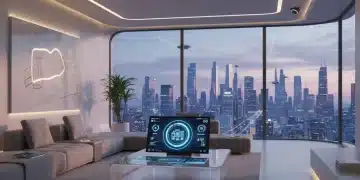
Welcome to the future of home comfort and convenience! In an era where technology seamlessly integrates into our daily lives, the concept of a smart home is no longer a luxury but an increasingly accessible reality. Among the myriad of smart home innovations, voice-controlled lighting stands out as a game-changer, offering unparalleled ease of use and personalization. Imagine walking into a room and, with a simple command, setting the perfect ambiance. No more fumbling for light switches or struggling with complex apps – just pure, effortless control. This isn’t just about turning lights on and off; it’s about creating dynamic lighting scenes, enhancing security, and even improving your well-being through circadian rhythm adjustments. The beauty of it all? You don’t need to break the bank to achieve this. With a bit of know-how and a willingness to get hands-on, you can build your own custom voice-controlled lighting system. This comprehensive guide will walk you through five essential steps to creating a robust and intelligent DIY Voice Lighting System by 2026, making your home smarter, more efficient, and truly yours.
The Dawn of Smart Lighting: Why DIY Now?
The smart home market is booming, and smart lighting is at its forefront. While commercial solutions like Philips Hue and Lutron Caséta offer impressive features, they often come with a hefty price tag and can sometimes lack the flexibility for deep customization. This is where the DIY approach shines. Building your own DIY Voice Lighting System allows you to choose components that fit your specific needs and budget, integrate with your preferred voice assistant (Google Assistant, Amazon Alexa, Apple HomeKit), and craft unique automation routines that off-the-shelf products might not support. Beyond cost savings, the satisfaction of creating something functional and sophisticated with your own hands is immensely rewarding.
Moreover, the technological landscape for DIY smart home projects has never been more favorable. Affordable microcontrollers like the Raspberry Pi and ESP32, coupled with open-source software platforms like Home Assistant and Node-RED, provide powerful tools for hobbyists and enthusiasts. The rise of Matter and Thread, new smart home standards, promises even greater interoperability and ease of integration in the coming years. By embarking on this DIY journey now, you’re not just building a lighting system; you’re future-proofing your home and gaining valuable skills in home automation. Let’s delve into the core reasons why a DIY Voice Lighting System is a smart move:
- Cost-Effectiveness: Commercial smart lighting setups can be expensive, especially for whole-home solutions. DIY often allows for significant savings by leveraging more affordable hardware and open-source software.
- Unmatched Customization: Off-the-shelf products have limitations. A DIY system offers complete control over features, integrations, and automation rules, tailored precisely to your lifestyle.
- Learning Opportunity: This project is an excellent way to learn about electronics, programming, networking, and the broader ecosystem of smart home technology.
- Future-Proofing: By understanding the underlying technology, you’re better equipped to adapt your system to new standards and devices as they emerge.
- Privacy and Control: With a DIY setup, you have more control over your data and can choose not to rely on third-party cloud services for essential functions.
Step 1: Planning Your DIY Voice Lighting System & Component Selection
The foundation of any successful DIY project lies in meticulous planning. Before you even think about wiring, you need to define the scope of your DIY Voice Lighting System. Ask yourself: Which rooms do I want to automate? What kind of lighting effects do I envision (e.g., dimming, color changes, scene presets)? Which voice assistant do I already use or prefer? Answering these questions will guide your component selection and overall system architecture.
Defining Your Needs:
Start by making a list of rooms and the specific lighting functionalities you desire in each. Do you want simple on/off control in the hallway, dimmable warm white lights in the bedroom, or full RGB color control for your entertainment area? Consider scenarios like ‘Good Morning’ routines that gradually brighten lights or ‘Movie Night’ scenes that dim and change colors. This detailed planning will prevent overspending on unnecessary features and ensure your system truly meets your needs.
Core Components for Your DIY Voice Lighting System:
- Smart Hub/Controller: This is the brain of your operation. Options include:
- Raspberry Pi: Highly versatile, affordable, and supports a wide range of open-source smart home software like Home Assistant. Ideal for complex automations.
- ESP32/ESP8266 Microcontrollers: Great for directly controlling individual lights or small groups, especially when integrated with firmware like Tasmota or ESPHome. Can act as a bridge to your main hub.
- Old Smartphone/Tablet: Can serve as a dedicated interface or a lightweight server for certain applications.
- Smart Light Bulbs/LED Strips: These are the actual light sources. Look for:
- Wi-Fi Bulbs (e.g., Tuya-compatible, Shelly): Often affordable and connect directly to your network. Can sometimes be ‘flashed’ with custom firmware for local control.
- Zigbee/Z-Wave Bulbs (e.g., IKEA TRÅDFRI, Sengled): Require a compatible hub (often a USB dongle connected to your Raspberry Pi) but offer a more robust mesh network and lower power consumption.
- Addressable LED Strips (e.g., WS2812B, SK6812): For advanced color effects and dynamic lighting. Require a microcontroller (ESP32/ESP8266) to drive them.
- Voice Assistant Integration:
- Amazon Echo (Alexa): Widely used, easy to integrate with many DIY platforms.
- Google Home/Nest (Google Assistant): Similar to Alexa, excellent for conversational commands.
- Apple HomePod/iPhone (Siri/HomeKit): Requires specific HomeKit compatibility or a HomeBridge setup on your Raspberry Pi.
- Power Supplies and Wiring: Depending on your chosen lights, you’ll need appropriate power adapters, connectors, and potentially relays or dimmer modules for traditional fixtures.
For this guide, we’ll focus on a Raspberry Pi as the central hub, controlling a mix of Wi-Fi smart bulbs and addressable LED strips, integrated with Google Assistant. This setup offers a balance of power, flexibility, and affordability for your DIY Voice Lighting System.
Step 2: Setting Up Your Smart Hub with Home Assistant
With your components chosen, it’s time to bring the brain of your DIY Voice Lighting System to life. Home Assistant is a powerful, open-source home automation platform that runs locally on your Raspberry Pi. It offers unparalleled control over a vast array of smart devices and provides the flexibility needed for a truly custom setup. We’ll guide you through the initial setup.
Installing Home Assistant on Raspberry Pi:
- Hardware Preparation: You’ll need a Raspberry Pi 3B+ or newer (Raspberry Pi 4 is recommended for better performance), a micro SD card (32GB or larger, Class 10), and a suitable power supply.
- Download Home Assistant OS: Visit the official Home Assistant website and download the Home Assistant Operating System image for your specific Raspberry Pi model.
- Flash SD Card: Use an imaging tool like Balena Etcher to write the Home Assistant OS image to your micro SD card.
- Initial Boot: Insert the SD card into your Raspberry Pi, connect an Ethernet cable (recommended for initial setup), and power it on. The first boot can take several minutes as Home Assistant sets itself up.
- Access Home Assistant: Once booted, you can access Home Assistant from any web browser on the same network by navigating to
http://homeassistant.local:8123. Follow the on-screen prompts to create your administrator account.
Basic Configuration and Integrations:
After the initial setup, Home Assistant will guide you through discovering some devices on your network. However, for a robust DIY Voice Lighting System, you’ll want to manually add specific integrations.
- Add Wi-Fi Light Integrations: If you chose Wi-Fi smart bulbs (e.g., Tuya-compatible), you’ll need to add their respective integrations. For open-source firmware like Tasmota or ESPHome, you’ll set up MQTT or specific API integrations.
- Zigbee/Z-Wave Integration (if applicable): If using Zigbee or Z-Wave bulbs, you’ll need a compatible USB dongle (e.g., ConBee II, Aeotec Z-Stick) connected to your Raspberry Pi. Then, install the appropriate integration (e.g., ZHA for Zigbee, Z-Wave JS for Z-Wave) in Home Assistant.
- Define Areas/Rooms: In Home Assistant, group your devices into ‘Areas’ (e.g., ‘Living Room’, ‘Kitchen’, ‘Bedroom’). This makes managing your lights and creating automations much easier.
Step 3: Integrating Your Lighting Devices & Custom Firmware
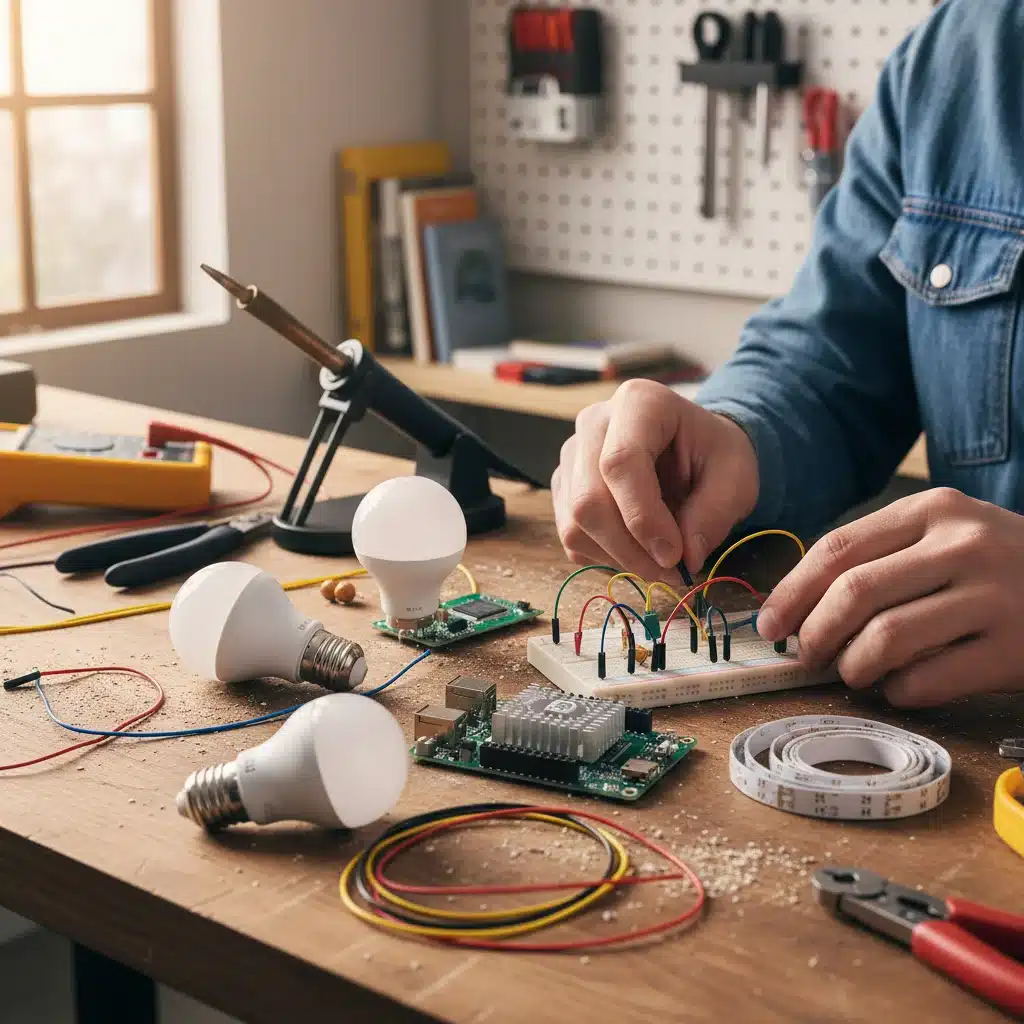
This step is where your physical lighting components connect to your smart hub, forming the core of your DIY Voice Lighting System. The method of integration will depend on the type of smart lights you’ve chosen.
Integrating Wi-Fi Smart Bulbs:
Many off-the-shelf Wi-Fi smart bulbs (often from brands like Tuya) can be integrated directly into Home Assistant through their cloud services. However, for greater local control and privacy, ‘flashing’ them with custom firmware like Tasmota or ESPHome is highly recommended. This removes reliance on manufacturer cloud services and allows for direct communication with Home Assistant.
- Flashing Firmware (Optional but Recommended):
- Tasmota: A popular open-source firmware for ESP8266/ESP32-based devices. Tools like Tuya-Convert (if still compatible with your device) or direct serial flashing can be used. Once flashed, configure the bulb to connect to your Wi-Fi network and set up MQTT or Home Assistant’s native Tasmota integration.
- ESPHome: Allows you to create custom firmware for ESP devices using simple YAML configuration. This is ideal for addressable LED strips or custom lighting fixtures. You define the pinouts, LED types, and functionalities, then upload the firmware. ESPHome devices integrate seamlessly with Home Assistant.
- Adding to Home Assistant: Once your Wi-Fi bulbs are running Tasmota or ESPHome, Home Assistant will often auto-discover them. If not, you can manually add them via the ‘Integrations’ page (e.g., ‘MQTT’ for Tasmota, ‘ESPHome’ for ESPHome devices).
Integrating Zigbee/Z-Wave Bulbs:
If you’re using Zigbee or Z-Wave bulbs, the process is generally simpler once your USB dongle is set up on the Raspberry Pi.
- Pairing Mode: Put your Zigbee/Z-Wave dongle into pairing mode via the Home Assistant integration settings (e.g., ‘Add device’ in ZHA or Z-Wave JS).
- Activate Bulb Pairing: Power on your smart bulb. Most bulbs enter pairing mode automatically when first powered on or after a specific power-cycling sequence (e.g., turn on/off 5 times).
- Discovery: Home Assistant should discover and add the bulb to your system. Rename it logically (e.g., ‘Living Room Lamp 1’) and assign it to the correct ‘Area’.
Custom Addressable LED Strips:
For advanced lighting effects, addressable LED strips (like WS2812B) combined with an ESP32 or ESP8266 microcontroller offer incredible possibilities. This forms a sophisticated part of your DIY Voice Lighting System.
- Hardware Connection: Connect the data pin of your LED strip to a GPIO pin on your ESP32/ESP8266. Ensure proper power supply for both the microcontroller and the LED strip (they often require separate power sources).
- ESPHome Configuration: Create an ESPHome configuration for your microcontroller. Define the LED strip type, the GPIO pin it’s connected to, the number of LEDs, and desired effects.
- Upload Firmware: Upload the ESPHome firmware to your ESP device.
- Home Assistant Integration: Home Assistant will automatically discover your ESPHome device. You’ll then have control over individual LEDs, colors, and animations directly from Home Assistant.
Step 4: Voice Assistant Integration & Basic Commands
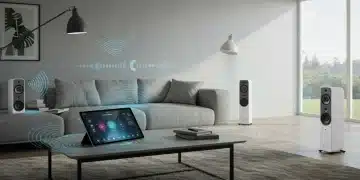
Now that your lights are connected to Home Assistant, the next crucial step for your DIY Voice Lighting System is to enable voice control. This involves integrating Home Assistant with your preferred voice assistant. We’ll focus on Google Assistant and Amazon Alexa, as they are the most popular choices for DIY setups.
Integrating with Google Assistant:
Home Assistant offers a robust integration with Google Assistant, allowing you to control your devices with voice commands. This typically involves using the Home Assistant Cloud (a paid subscription service that simplifies setup and offers additional features) or setting up a manual Google Actions project.
- Home Assistant Cloud (Nabu Casa): This is the easiest and most recommended method. Subscribe to Home Assistant Cloud. Once enabled, go to ‘Settings’ > ‘Integrations’ > ‘Home Assistant Cloud’ and enable ‘Google Assistant’. Select the entities (your lights) you want to expose to Google Assistant. They will then appear in your Google Home app.
- Manual Google Actions Project: This is free but more complex. It involves setting up a project in the Google Cloud Console, configuring OAuth, and creating a webhook. Detailed guides are available on the Home Assistant documentation, but it requires more technical expertise.
Once integrated, you can use commands like: “Hey Google, turn on Living Room lights,” “Hey Google, dim Bedroom lamp to 50%,” or “Hey Google, change Kitchen light to blue.”
Integrating with Amazon Alexa:
Similar to Google Assistant, Home Assistant can be integrated with Amazon Alexa.
- Home Assistant Cloud (Nabu Casa): Again, the simplest method. Enable ‘Alexa’ in your Home Assistant Cloud settings. Then, open the Alexa app, go to ‘Skills & Games’, search for ‘Home Assistant’, enable the skill, and link your Home Assistant Cloud account. Alexa will discover your exposed lights.
- Manual Alexa Skill: This free method involves creating a custom Alexa skill in the Amazon Developer Console, similar to the Google Actions project. It requires setting up an AWS Lambda function and configuring the skill to point to your Home Assistant instance.
With Alexa integration, you can use commands such as: “Alexa, turn on the lights,” “Alexa, set the Bedroom lights to warm white,” or “Alexa, make the entertainment lights brighter.”
Testing and Refining Commands:
After integration, test all your voice commands thoroughly. Ensure that each light responds correctly and that the commands are intuitive. You might find that renaming some entities in Home Assistant (e.g., ‘Living Room Main Light’ instead of ‘bulb_01’) makes voice commands more natural. This iterative process is key to a user-friendly DIY Voice Lighting System.
Step 5: Advanced Automation, Scenes & Maintenance
With basic voice control established, it’s time to unlock the true potential of your DIY Voice Lighting System through advanced automations and scenes. This is where your smart home truly becomes intelligent, adapting to your routines and preferences without explicit commands.
Creating Scenes for Ambiance:
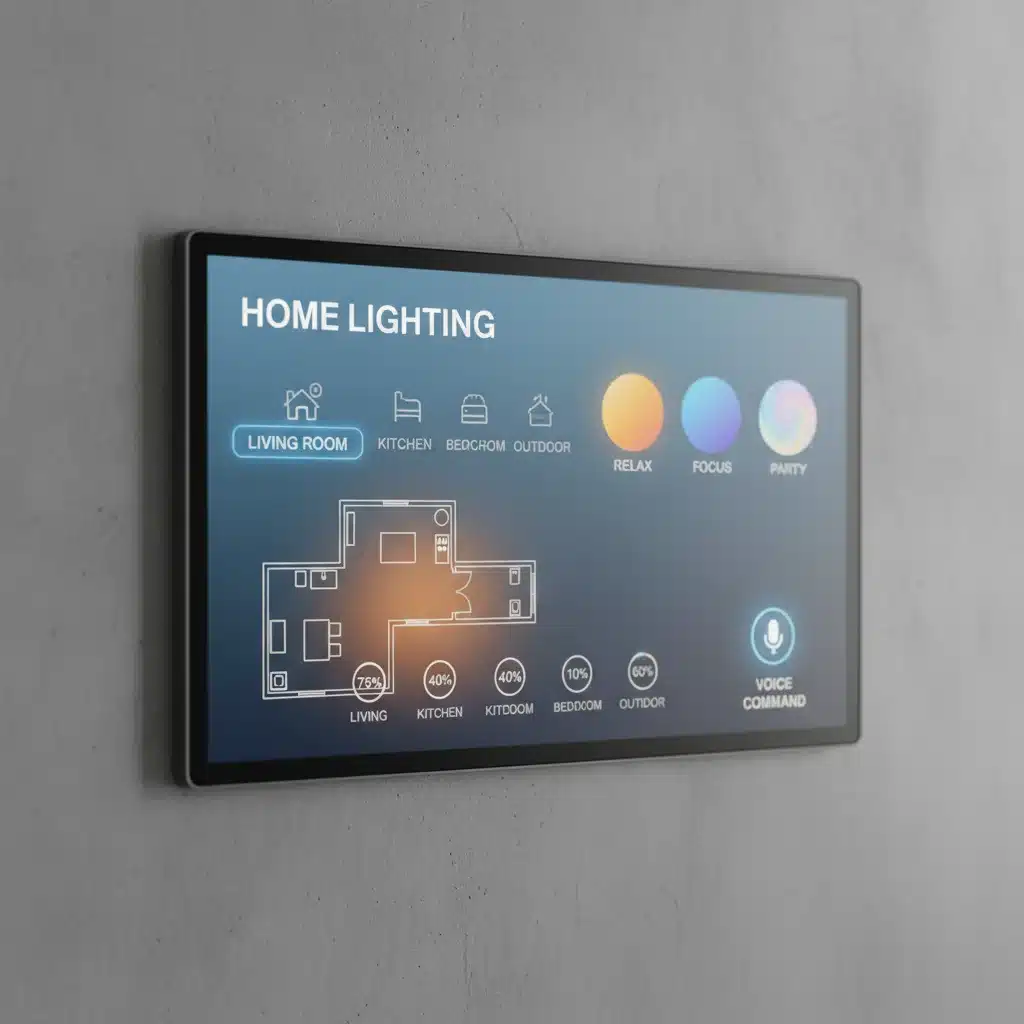
Scenes allow you to set multiple lights to specific states (on/off, brightness, color) with a single command or automation. For example, a ‘Movie Night’ scene could dim the living room lights, turn on an LED strip behind the TV to a warm glow, and turn off kitchen lights.
- In Home Assistant: Go to ‘Settings’ > ‘Automations & Scenes’ > ‘Scenes’ > ‘Add Scene’.
- Configure Lights: For each light in the scene, define its desired state (e.g., color, brightness, on/off).
- Name Your Scene: Give it an intuitive name like ‘Relaxation Mode’ or ‘Dinner Time’.
- Voice Control: Expose your scenes to Google Assistant or Alexa. Now you can say, “Hey Google, activate Movie Night.”
Automations for Smart Living:
Automations are the heart of a truly smart home. They allow your DIY Voice Lighting System to react to various triggers – time of day, motion, door sensors, or even weather conditions – to control your lights without any input from you.
Examples of useful automations:
- Time-Based Lighting: Turn on porch lights at sunset and off at sunrise. Gradually brighten bedroom lights in the morning as an alarm.
- Motion-Activated Lighting: Turn on hallway lights when motion is detected and turn them off after a set period of inactivity.
- Door/Window Sensor Integration: Flash exterior lights if a door is opened after bedtime.
- Presence Detection: Turn off all lights when the last person leaves the house.
- Event-Based Lighting: Change the color of your living room lights to red when your favorite sports team scores.
To create automations in Home Assistant:
- Go to ‘Settings’ > ‘Automations & Scenes’ > ‘Automations’ > ‘Create Automation’.
- Define Trigger: Choose what starts the automation (e.g., ‘Time’, ‘Device state’, ‘Motion sensor’).
- Define Conditions (Optional): Add conditions that must be met for the automation to run (e.g., ‘only after sunset’, ‘only if nobody is home’).
- Define Actions: Specify what happens when the automation is triggered and conditions are met (e.g., ‘turn on light’, ‘set brightness’, ‘activate scene’).
Maintenance and Future-Proofing:
A DIY Voice Lighting System, like any complex system, requires occasional maintenance.
- Regular Updates: Keep your Home Assistant installation, firmware (Tasmota/ESPHome), and Raspberry Pi OS updated to ensure security, stability, and access to new features.
- Backups: Regularly back up your Home Assistant configuration. This is crucial for disaster recovery.
- Monitoring: Keep an eye on your system’s performance. Home Assistant provides dashboards to monitor CPU usage, memory, and network activity.
- Expandability: Your DIY system is inherently expandable. As new smart devices or standards emerge (like Matter), you can integrate them into your existing Home Assistant setup. Consider adding more sensors (temperature, humidity, air quality) to create even more sophisticated lighting automations.
- Community Support: Leverage the vast Home Assistant community forums for troubleshooting, ideas, and sharing your own projects.
Troubleshooting Common Issues with Your DIY Voice Lighting System
Even the most meticulously planned DIY Voice Lighting System can encounter hiccups. Here are some common issues and how to troubleshoot them:
- Lights Not Responding:
- Check Network Connectivity: Ensure your Raspberry Pi and smart bulbs are connected to your Wi-Fi network. Ping their IP addresses.
- Home Assistant Logs: Check the Home Assistant logs for error messages related to the unresponsive devices or integrations.
- Firmware Issues: If using Tasmota/ESPHome, access the device’s web interface to check its status and MQTT/API connection.
- Power Cycle: A simple power cycle of the light or the Raspberry Pi can sometimes resolve temporary glitches.
- Voice Assistant Not Recognizing Commands:
- Entity Exposure: Ensure the specific light or scene is exposed to Google Assistant or Alexa in your Home Assistant Cloud settings or manual configuration.
- Name Mismatch: Verify that the name you’re using in your voice command exactly matches the entity name exposed to the voice assistant. Try renaming the entity in Home Assistant to something simpler.
- Account Linking: Confirm that your Home Assistant account is correctly linked to your Google Home or Alexa app.
- Automations Not Triggering:
- Check Conditions: Double-check all conditions in your automation. A single unmet condition will prevent the automation from running.
- Trigger Firing: Verify that the trigger itself is actually firing. For example, if it’s a motion sensor, ensure the sensor is reporting motion to Home Assistant.
- Time Zones: Ensure your Home Assistant’s time zone is correctly configured, especially for time-based automations.
- Performance Issues (Slow Response):
- SD Card Health: A failing or slow SD card can significantly impact Raspberry Pi performance. Consider upgrading to a higher-quality, faster card.
- Network Congestion: Too many Wi-Fi devices or a weak Wi-Fi signal can cause delays. Consider a dedicated Zigbee/Z-Wave network for lights.
- Raspberry Pi Resources: Monitor CPU and RAM usage in Home Assistant. If consistently high, you might need to optimize your configuration or upgrade your Pi.
The Future of Your DIY Voice Lighting System in 2026 and Beyond
As we look towards 2026 and beyond, the smart home landscape is continuously evolving, and your DIY Voice Lighting System is perfectly positioned to adapt and grow. The emergence of new standards like Matter and Thread promises to simplify device integration and enhance interoperability, making it even easier to expand your system with devices from various manufacturers. Home Assistant, being an open-source platform, is at the forefront of adopting these new technologies, ensuring your DIY setup remains cutting-edge.
Consider these future enhancements for your system:
- Advanced Sensor Integration: Beyond motion, integrate light sensors to automatically adjust brightness based on ambient light levels, or air quality sensors to trigger specific lighting scenes that promote better sleep or focus.
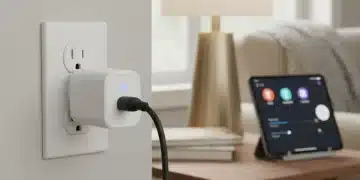
- Energy Monitoring: Integrate smart plugs with energy monitoring capabilities to track the power consumption of your lights, allowing for even smarter energy-saving automations.
- Local AI and Edge Computing: As microcontrollers become more powerful, some voice processing and automation logic could move to the ‘edge’ – directly on your Raspberry Pi or even the light controllers themselves – reducing reliance on cloud services and improving response times.
- Personalized Wellness Lighting: Utilize circadian lighting principles to adjust light color and intensity throughout the day, mimicking natural light cycles to improve mood, productivity, and sleep quality. Your DIY Voice Lighting System can be programmed to gradually shift color temperature from cool whites in the morning to warm ambers in the evening.
- Haptic Feedback and Gestural Control: Explore integrating more intuitive control methods, such as haptic feedback from wearables or gestural commands detected by small cameras or radar sensors.
The beauty of a DIY approach is its inherent flexibility. You’re not tied to a single ecosystem or manufacturer’s vision. You are the architect of your smart home, and your DIY Voice Lighting System is just the beginning. The skills you gain from this project will empower you to tackle other smart home challenges, from environmental control to security systems, all tailored to your unique needs and preferences.
Conclusion: Empowering Your Home with a Custom Voice Lighting System
Building a DIY Voice Lighting System is more than just a tech project; it’s an investment in your home’s future, your comfort, and your technological literacy. From the initial planning and component selection to the intricate dance of firmware flashing and voice assistant integration, each step brings you closer to a truly personalized and intelligent living space. You’ve learned how to harness the power of a Raspberry Pi and Home Assistant to create a robust and flexible smart lighting solution that responds to your voice and anticipates your needs.
By following these five comprehensive steps, you’ve not only created a functional and efficient lighting system but also gained invaluable experience in home automation. The satisfaction of telling your home to ‘set the mood’ and watching your custom-built system respond flawlessly is unparalleled. As technology continues to advance, your DIY foundation ensures that your home will remain at the forefront of smart living, ready to integrate new innovations and adapt to your evolving lifestyle. Embrace the power of DIY – your smarter, more comfortable home awaits!