
The 3-Month Roadmap: Integrating New Smart Appliances into Your Existing Home Automation Ecosystem by Spring 2026
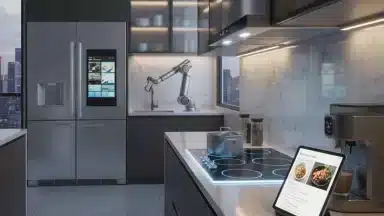
The future is now, and it’s smarter than ever. As we approach Spring 2026, the allure of a fully integrated smart home becomes increasingly irresistible. From refrigerators that suggest recipes based on their contents to washing machines that optimize cycles according to energy prices, smart appliances are transforming daily life. However, the journey to a seamlessly connected home isn’t always straightforward. The key lies in strategic smart appliance integration.
This comprehensive 3-month roadmap is designed to guide you through the process of incorporating new smart appliances into your existing home automation ecosystem, ensuring a smooth transition and optimal performance. We’ll break down the journey into manageable monthly phases, covering everything from initial planning and compatibility checks to installation, configuration, and advanced automation. By following this guide, you’ll be enjoying the full benefits of a truly intelligent home by Spring 2026.
Why Focus on Smart Appliance Integration Now?
The rapid evolution of smart home technology means that new, more efficient, and more feature-rich appliances are constantly hitting the market. While upgrading can offer significant convenience and energy savings, haphazardly adding devices can lead to compatibility nightmares and a fragmented user experience. A structured approach to smart appliance integration ensures that every new device enhances, rather than complicates, your smart home ecosystem.
Moreover, with Spring 2026 just around the corner, many homeowners are looking to refresh their living spaces and embrace new technologies. This timeline provides a perfect opportunity to systematically plan and execute your smart home upgrades. A well-integrated system offers:
- Enhanced Convenience: Automate routine tasks and control devices remotely.
- Energy Efficiency: Optimize appliance usage to save on utility bills.
- Increased Safety & Security: Monitor your home and receive alerts.
- Improved Lifestyle: Enjoy personalized experiences tailored to your habits.
Month 1: The Foundation – Planning and Compatibility for Smart Appliance Integration
The first month is all about laying a solid groundwork. Rushing into purchases without proper planning is a common pitfall. This phase focuses on understanding your needs, assessing your current setup, and researching potential new smart appliances.
Week 1: Assess Your Current Home Automation Ecosystem
Before you introduce anything new, you need a clear picture of what you already have. Document your existing smart home devices, including:
- Hubs/Controllers: Amazon Echo, Google Home, Apple HomeKit, SmartThings, Hubitat, Home Assistant, etc.
- Protocols: Wi-Fi, Zigbee, Z-Wave, Bluetooth, Thread. Understanding these is crucial for compatibility.
- Existing Smart Appliances: List any smart devices you already own and how they currently interact.
- Network Infrastructure: Evaluate your Wi-Fi coverage, router capabilities, and internet speed. Smart appliances often require a robust network. Consider if you need Wi-Fi extenders, mesh systems, or a router upgrade.
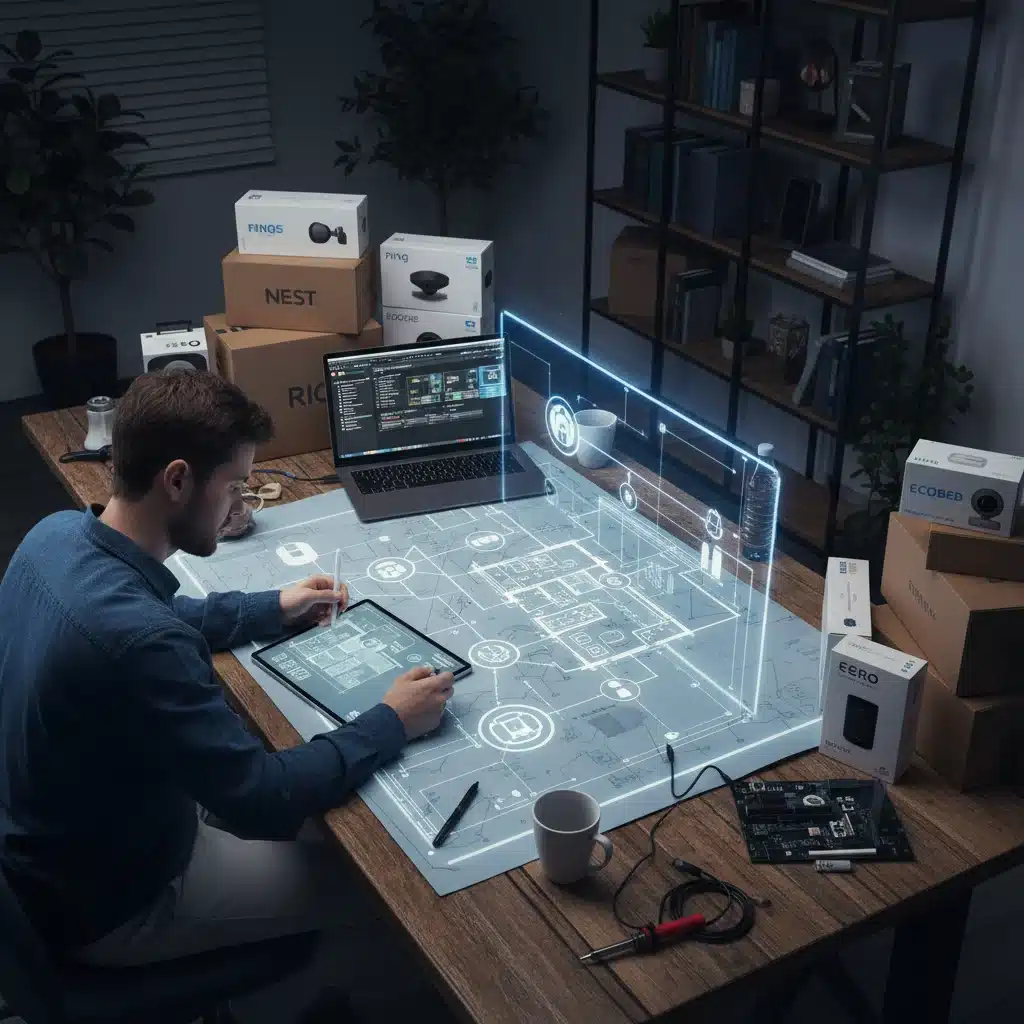
Create a simple diagram or spreadsheet of your current setup. This visual representation will be invaluable as you plan your smart appliance integration.
Week 2: Define Your Needs and Desires for New Smart Appliances
What problems are you trying to solve? What conveniences are you seeking? Don’t just buy smart appliances because they’re new. Think about:
- Kitchen: Smart refrigerators (inventory management, recipe suggestions), smart ovens (remote preheating, precise cooking), smart dishwashers (optimized cycles, remote start).
- Laundry: Smart washers/dryers (cycle notifications, energy-efficient scheduling).
- Climate Control: Advanced smart thermostats, smart HVAC systems.
- Cleaning: Robotic vacuums/mops with advanced mapping and integration.
- Small Appliances: Smart coffee makers, toasters, air fryers.
Prioritize your list based on budget, impact on daily life, and ease of integration. For instance, a smart refrigerator might be a major investment, while a smart coffee maker is a smaller, simpler addition.
Week 3: Research and Compatibility Checks
This is arguably the most critical week for successful smart appliance integration. With your needs defined, start researching specific models. Focus heavily on compatibility:
- Ecosystem Compatibility: Does the appliance work with your existing smart home hub (e.g., Google Assistant, Alexa, HomeKit)? Look for explicit mentions of integration.
- Protocol Compatibility: Does it use Wi-Fi, or does it require a specific hub that supports Zigbee or Z-Wave? Ensure your hub supports the necessary protocols.
- API & IFTTT Support: Does the manufacturer offer an open API or support IFTTT (If This Then That)? This greatly expands automation possibilities.
- Reviews & Reliability: Read user reviews focusing on connectivity issues, app functionality, and long-term reliability.
- Power Requirements: Ensure your home’s electrical outlets can support the new appliances (e.g., 220V for some ovens/dryers).
Create a shortlist of 2-3 preferred options for each appliance, noting their compatibility features.
Week 4: Budgeting and Purchase Decisions
With your research complete, finalize your budget. Factor in not just the appliance cost, but also:
- Installation Costs: Professional installation for large appliances like ovens or dishwashers.
- Accessory Costs: Any required smart plugs, repeaters, or network upgrades.
- Subscription Fees: Some smart services come with optional or mandatory subscriptions.
Make your final purchase decisions. Look for deals, especially as Spring 2026 approaches, as retailers often offer promotions. Arrange for delivery and installation for large items, aligning it with your Month 2 schedule.
Month 2: The Implementation – Installation and Initial Configuration
Month 2 is where your planning comes to life. This phase involves the physical installation of your new smart appliances and their initial setup within your home network.
Week 5: Network Preparation and Device Unboxing
Before any physical installation, ensure your network is ready:
- Firmware Updates: Update your existing smart home hub and router to their latest firmware versions.
- Network Optimization: If you identified weak Wi-Fi spots, install your mesh nodes or extenders now. Create a dedicated 2.4GHz Wi-Fi network for smart devices if your router supports it, as many smart appliances prefer this band.
- Unboxing: Unpack your new smart appliances. Read the manuals thoroughly, paying close attention to setup instructions, safety warnings, and initial power-on procedures.
Week 6: Physical Installation of Smart Appliances
For larger appliances, this might involve professional installation. For smaller ones, you might do it yourself. Always prioritize safety:
- Follow Manufacturer Guidelines: Adhere strictly to the installation instructions provided by the manufacturer.
- Professional Help: Don’t hesitate to hire licensed electricians or plumbers for appliances requiring specialized wiring or plumbing. Incorrect installation can void warranties or create hazards.
- Basic Functionality Check: Once physically installed, test the basic, non-smart functions of the appliance to ensure it’s working correctly before proceeding to smart features.
Week 7: Initial Smart Setup and App Integration
This is where you bring your new devices online:
- Download Manufacturer Apps: Install the dedicated app for each new smart appliance on your smartphone or tablet.
- Connect to Wi-Fi: Follow the in-app instructions to connect each appliance to your home Wi-Fi network. Ensure they are on the correct network (2.4GHz is often preferred).
- Account Creation: Create any necessary manufacturer accounts.
- Basic Testing: Use the manufacturer’s app to test basic smart functions (e.g., remotely turn on the oven, start a wash cycle, check fridge temperature).
- Firmware Updates: Once connected, check for and install any available firmware updates for the new appliances. This is crucial for security and performance.
Week 8: Integrating with Your Main Smart Home Hub
Now, bring everything together under your central control system:
- Add Devices to Hub: Open your main smart home hub app (e.g., Alexa, Google Home, SmartThings). Follow the instructions to add new devices. This usually involves searching for new devices or linking accounts.
- Name Devices Clearly: Assign clear, intuitive names to your new appliances (e.g., ‘Kitchen Oven,’ ‘Laundry Washer’) to make voice commands and automation easier.
- Basic Hub Control Test: Test basic commands through your hub. Can you ask Alexa to preheat the oven? Can you see the status of your dishwasher in the Google Home app?
- Troubleshooting: If a device isn’t connecting, consult the manufacturer’s troubleshooting guide, your hub’s support documentation, or online forums. Common issues include Wi-Fi band conflicts or incorrect account linking.
Month 3: The Optimization – Automation, Refinement, and Advanced Features
The final month is dedicated to maximizing the potential of your integrated smart home. This is where convenience truly shines through sophisticated automation and fine-tuning.
Week 9: Basic Automation and Routines
Start with simple, impactful automations:
- Scheduled Tasks: Set your smart coffee maker to brew at 7 AM, or your dishwasher to run during off-peak energy hours.
- Event-Triggered Actions: Create routines like: ‘When the smart oven finishes preheating, announce it on all smart speakers.’ Or ‘When the smart washing machine finishes a cycle, send a notification to your phone.’
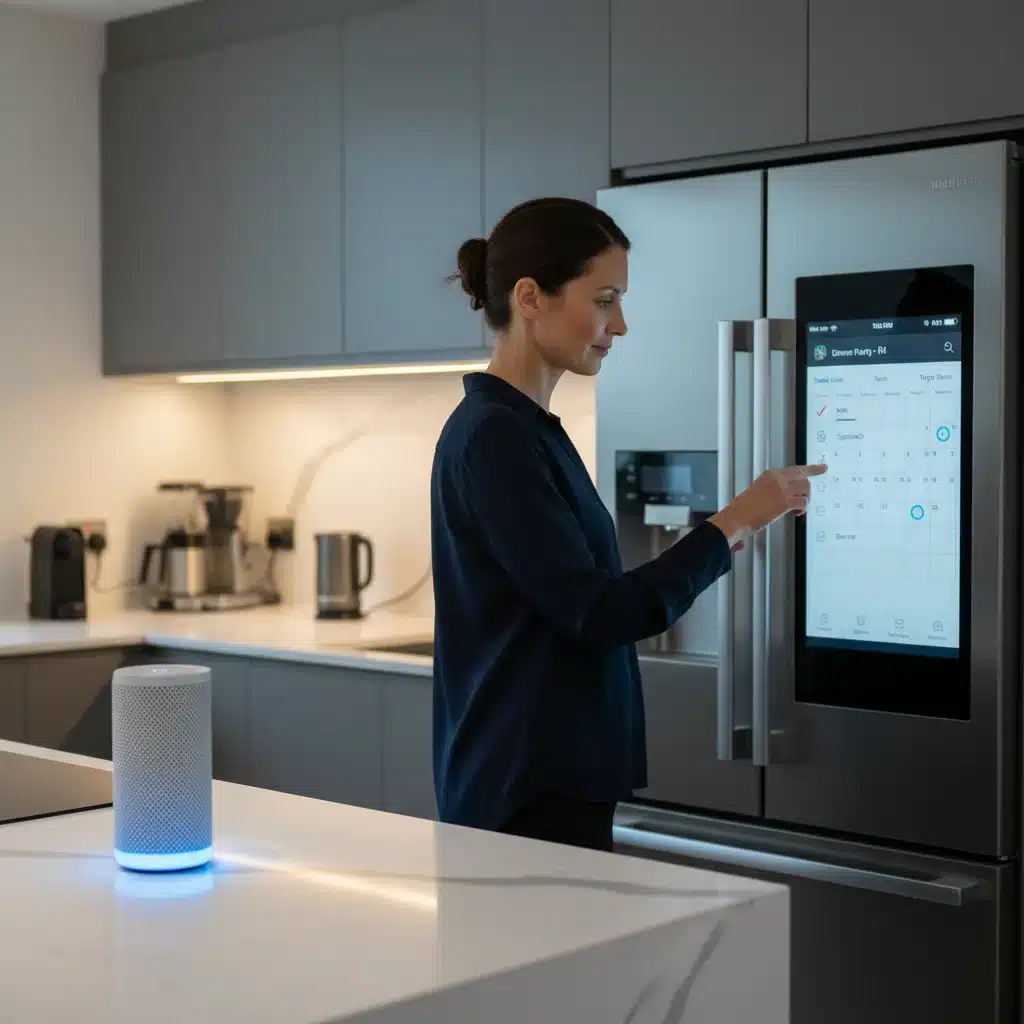
- Voice Commands: Refine your voice commands. Create custom routines or shortcuts for complex actions (e.g., ‘Good Morning’ routine that starts the coffee maker and turns on kitchen lights).
- Scene Creation: Combine actions across multiple devices. A ‘Dinner Prep’ scene could turn on kitchen lights, start the range hood, and preheat the oven.
Week 10: Advanced Automation and Interoperability (IFTTT, Home Assistant)
For those who want to push the boundaries of smart appliance integration, explore advanced tools:
- IFTTT Applets: If your appliances and other smart devices support IFTTT, create powerful cross-platform automations. For example, ‘If my smart refrigerator detects low milk, add it to my grocery list app.’ Or ‘If my smart dryer finishes, blink my smart kitchen lights.’
- Home Assistant/Hubitat: If you’re using a more advanced local hub like Home Assistant or Hubitat, delve into their extensive automation capabilities. These platforms offer unparalleled customization and local control, often allowing devices from different ecosystems to communicate more fluidly.
- Sensor Integration: Link smart appliance behavior to sensors. For instance, if a smart motion sensor detects you entering the kitchen in the morning, trigger the smart coffee maker.
Week 11: Energy Management and Optimization
Leverage your smart appliances for efficiency:
- Energy Monitoring: Many smart appliances and smart plugs offer energy usage tracking. Monitor consumption to identify patterns and potential savings.
- Off-Peak Scheduling: Program energy-intensive appliances (dishwasher, washing machine) to run during off-peak electricity hours when rates are lower, if your utility provider offers time-of-use billing.
- Smart Grids: Some advanced smart appliances are designed to interact with smart grids, automatically adjusting operation based on grid demand and energy prices. Check if your appliances support this and if your local utility participates.
- Usage Analytics: Review the usage data provided by your appliance apps. This can help you understand your habits and make informed decisions to reduce waste.
Week 12: Review, Refine, and Future-Proofing
As Spring 2026 arrives, take a step back and evaluate your new smart home:
- Performance Review: Are all appliances performing as expected? Are your automations reliable? Identify any bottlenecks or areas for improvement.
- User Feedback: Gather feedback from everyone in your household. Are the new systems intuitive? Are there any frustrations? Adjust names, routines, or settings as needed.
- Security Audit: Ensure all your smart devices have strong, unique passwords. Enable two-factor authentication where available. Regularly check for firmware updates to patch security vulnerabilities.
- Backup Plan: Understand how your appliances function if the internet goes down. Most should retain basic functionality.
- Stay Updated: The smart home landscape is constantly evolving. Keep an eye on new integrations, software updates, and emerging standards (like Matter) that could further enhance your smart appliance integration in the future.
Common Challenges and Troubleshooting Tips for Smart Appliance Integration
Even with careful planning, you might encounter issues. Here are some common challenges and how to address them:
- Wi-Fi Connectivity Issues: Ensure strong Wi-Fi signal where appliances are located. Consider a mesh Wi-Fi system. Confirm appliances are on the correct 2.4GHz band if required.
- Intermittent Disconnections: This can be due to Wi-Fi interference (from microwaves, cordless phones), too many devices on your network, or router issues. Try rebooting your router and appliances.
- Compatibility Headaches: Always double-check device specifications. If a device isn’t officially supported by your hub, look for community-developed integrations or IFTTT workarounds.
- App Glitches: Manufacturer apps can sometimes be buggy. Ensure the app is updated, clear its cache, or reinstall it if problems persist.
- Voice Command Issues: Ensure device names are unique and easily recognizable by your voice assistant. Practice different phrasing.
- Firmware Updates: Regularly check for and install firmware updates on all your smart devices and hubs. These often fix bugs, improve performance, and add new features.
Conclusion: Your Seamless Smart Home Awaits by Spring 2026
Embarking on a comprehensive smart appliance integration project can seem daunting, but by following this structured 3-month roadmap, you’ll be well-equipped to create a truly intelligent and harmonious living space. From the initial assessment of your existing ecosystem to the final touches of advanced automation, each step is crucial for success.
By Spring 2026, you won’t just have a collection of smart gadgets; you’ll have a cohesive, responsive home that anticipates your needs, saves you time and energy, and enhances your overall quality of life. The future of living is integrated, intuitive, and within your reach. Start planning today and transform your home into the intelligent sanctuary you’ve always envisioned.