
Welcome to the future of home living! In an era where convenience is king, the ability to command your home with just your voice is no longer a futuristic fantasy but a present-day reality. Imagine walking into your house and simply saying, "Good morning, Assistant," to have your lights brighten, your coffee maker start brewing, and your news briefing begin. This isn’t just about showing off; it’s about making your daily life smoother, more efficient, and undeniably more enjoyable. This comprehensive guide will walk you through the process of integrating up to ten smart devices into a unified voice control smart home system, all in three straightforward steps, preparing your abode for 2026 and beyond.
The landscape of smart home technology is evolving at an incredible pace. What was once niche and complex is now becoming mainstream and user-friendly. With an increasing array of devices compatible with major voice assistants like Google Assistant, Amazon Alexa, and Apple HomeKit, building your dream smart home has never been more accessible. Whether you’re a seasoned tech enthusiast or just starting your smart home journey, this article provides the essential roadmap to harness the full potential of voice control smart home automation.
We’ll delve into everything from choosing the right devices and understanding compatibility to the actual setup and advanced customization. Our goal is to empower you to create a truly intelligent living space that responds to your every command, enhancing comfort, security, and energy efficiency. Let’s embark on this exciting journey to transform your house into a truly smart home.
Step 1: Laying the Foundation – Choosing Your Voice Assistant and Compatible Devices
The first and arguably most critical step in establishing a robust voice control smart home is selecting your central voice assistant and ensuring all your chosen devices play nicely together. This decision will dictate the ecosystem you build around, so it’s essential to pick one that aligns with your preferences and existing technology.
Choosing Your Voice Assistant
Currently, the market is dominated by three main players:
- Amazon Alexa: Known for its vast range of compatible devices, extensive skills, and strong integration with Amazon services. Alexa devices are often very affordable and offer a wide variety of form factors, from smart speakers to smart displays. Her ability to understand natural language commands is continually improving, making it a powerful choice for many households seeking a comprehensive voice control smart home experience.
- Google Assistant: Deeply integrated with Google’s services (calendar, search, maps), offering excellent contextual understanding and multi-user support. Google Assistant excels in answering complex queries and managing daily routines. Its interoperability with Android devices and robust search capabilities make it a strong contender, especially for those already embedded in the Google ecosystem. The Nest Hub devices provide excellent visual feedback for smart home control.
- Apple HomeKit: Apple’s platform prioritizes privacy and security, offering seamless integration with Apple devices. While its device compatibility list might be slightly smaller than Alexa or Google Assistant, HomeKit devices are often known for their reliability and ease of setup within the Apple ecosystem. For iPhone, iPad, and Mac users, HomeKit provides a cohesive and secure voice control smart home environment.
Consider which assistant you already use, or which aligns best with your privacy concerns, device preferences, and overall digital lifestyle. Once you’ve made this foundational choice, stick with it to ensure maximum compatibility and a streamlined experience.
Selecting Your First 10 Smart Devices
Now for the fun part: picking the smart devices that will bring your home to life! Aim for a mix that enhances convenience, security, and energy efficiency. Here’s a curated list of 10 popular and highly effective smart devices to kickstart your voice control smart home:
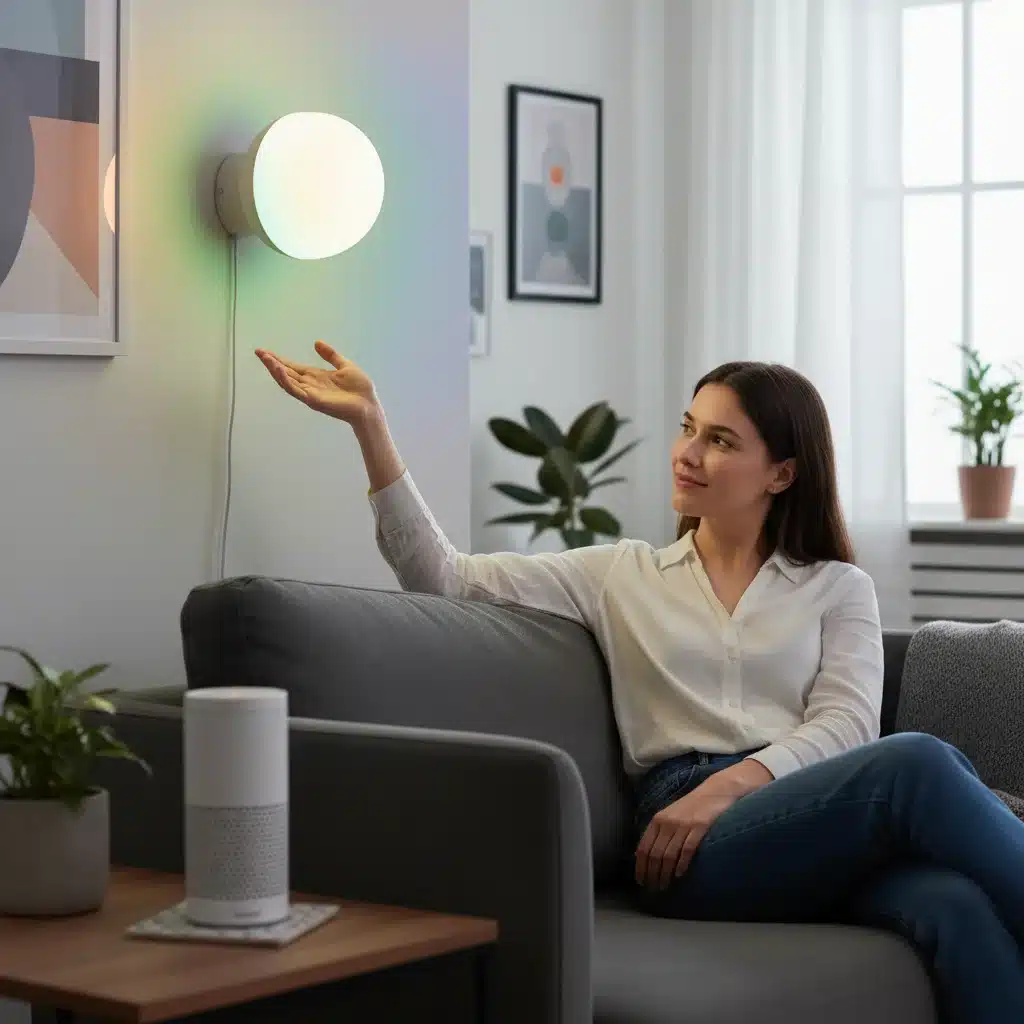
- Smart Light Bulbs/Switches (2-3 units): Start with key areas like your living room, kitchen, and bedroom. Brands like Philips Hue, TP-Link Kasa, and LIFX offer excellent voice control capabilities. They allow you to turn lights on/off, dim them, and even change colors with a simple command.
- Smart Plugs (2 units): Transform any "dumb" appliance into a smart one. Use them for lamps, fans, coffee makers, or holiday lights. TP-Link Kasa, Wemo, and Meross are reliable choices. These are fantastic for extending voice control smart home capabilities to devices without built-in smart features.
- Smart Thermostat (1 unit): Devices like ecobee or Nest Learning Thermostat not only save energy but also allow you to adjust your home’s temperature with your voice, ensuring optimal comfort. This is a cornerstone of an energy-efficient voice control smart home.
- Smart Door Lock (1 unit): Enhance security and convenience with a lock from August, Schlage, or Yale. Lock/unlock your door, check its status, or grant temporary access, all with a voice command or via an app.
- Video Doorbell (1 unit): See who’s at your door from anywhere. Ring and Arlo are popular options, offering two-way talk and motion detection, seamlessly integrated into your voice control smart home security.
- Smart Speaker/Display (1 unit – your chosen voice assistant’s hub): This is your primary interface. Examples include Amazon Echo Dot, Google Nest Mini, or Apple HomePod Mini. You might already have one, but consider adding another for broader coverage in your home.
- Robot Vacuum (1 unit): Brands like Roomba and Roborock offer voice command integration to start or stop cleaning cycles, making household chores a breeze.
- Smart Blinds/Curtains (1 unit): While a bit pricier, smart blinds (e.g., from Lutron or IKEA) can dramatically enhance comfort and energy efficiency by adjusting to light conditions or your schedule. "Hey Google, open the blinds." is a game-changer for natural light management in the voice control smart home.
Compatibility Check
Before purchasing any device, always verify its compatibility with your chosen voice assistant. Look for "Works with Alexa," "Works with Google Assistant," or "Works with Apple HomeKit" labels. Most smart device manufacturers clearly state their compatibility on product packaging and websites. A quick search for "[device name] + [voice assistant name] compatibility" will usually confirm it. This due diligence is crucial for a smooth setup of your voice control smart home.
Step 2: The Setup Process – Connecting and Configuring Your Devices
Once you have your voice assistant hub and your chosen smart devices, it’s time to bring them all together. This step involves physically installing your devices and then digitally connecting them to your voice assistant.
Physical Installation and Manufacturer’s App Setup
Each smart device will come with its own set of installation instructions. Follow these carefully. For instance, smart bulbs simply screw into existing fixtures, smart plugs go into outlets, and smart thermostats require a bit more wiring. Most devices will also require you to download their specific manufacturer’s app (e.g., Philips Hue app, Nest app, Kasa app) to perform the initial setup and connect the device to your home Wi-Fi network. This step is usually straightforward, guided by on-screen prompts.
During this initial setup, you’ll typically:
- Create an account with the device manufacturer.
- Connect the device to your home Wi-Fi (2.4 GHz band is usually preferred for smart devices).
- Perform any necessary firmware updates.
- Test the device’s basic functionality through its own app.
Ensure each device is fully operational through its dedicated app before attempting to integrate it with your voice assistant. This helps in troubleshooting, as you can isolate whether an issue is with the device itself or the voice assistant integration.
Integrating with Your Voice Assistant
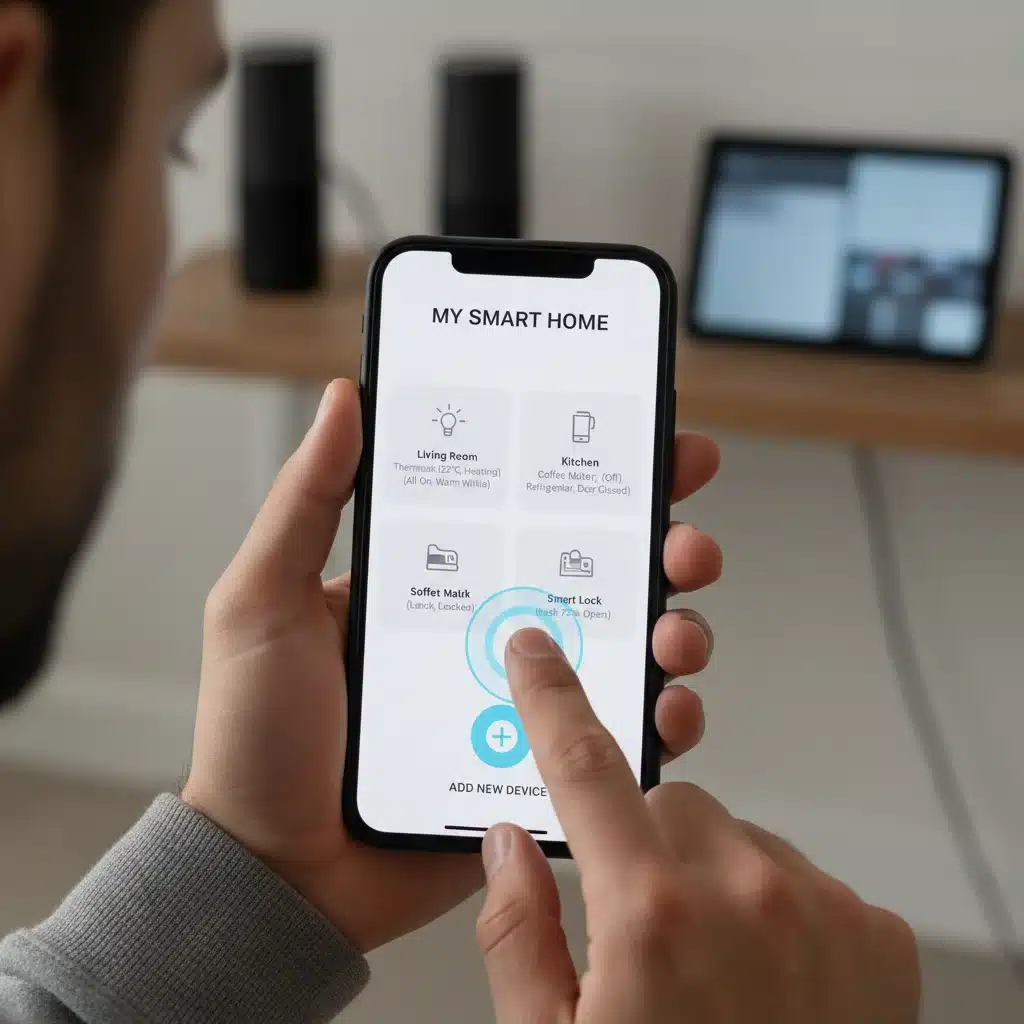
This is where the magic of voice control smart home truly begins. Open your voice assistant’s app (Amazon Alexa app, Google Home app, or Apple Home app). The process is generally similar across platforms:
- Navigate to "Add Device" or "Setup Device": In the Alexa app, go to Devices > +. In the Google Home app, tap the + icon > Set up device > New devices. In the Home app, tap the + icon.
- Search for the Manufacturer/Device Type: The app will usually provide a list of popular manufacturers or device categories. Select the brand of your smart device (e.g., "Philips Hue," "TP-Link Kasa"). If it’s not listed, you might need to search for "skills" (Alexa) or "actions" (Google Assistant) for that particular brand.
- Link Accounts: You’ll be prompted to log in to your manufacturer’s account (the one you created in the previous step). This creates the bridge between the device’s app and your voice assistant. Grant any necessary permissions.
- Discover Devices: After linking accounts, your voice assistant will scan for and discover the newly connected smart devices. This might take a minute or two. Once discovered, the devices will appear in your voice assistant’s app.
- Assign to Rooms and Name Devices: This is a crucial step for effective voice control smart home management. Assign each device to a specific room (e.g., "Living Room Light," "Kitchen Plug"). Give them intuitive names that are easy to remember and pronounce. Avoid overly complex names. For example, instead of "Bulb 123," use "Bedroom Lamp" or "Overhead Light."
Tips for Smooth Integration:
- One Device at a Time: Especially for beginners, setting up one device completely before moving to the next can help prevent confusion and streamline troubleshooting.
- Strong Wi-Fi: Ensure your Wi-Fi signal is strong where your smart devices are located. A weak signal can lead to connectivity issues and delayed responses.
- Router Compatibility: Most smart devices work best on the 2.4 GHz band. If your router has both 2.4 GHz and 5 GHz bands, ensure your phone is connected to the 2.4 GHz band during initial device setup.
Step 3: Mastering Your Voice Control – Creating Routines and Advanced Customization
With all your devices connected, you can now enjoy basic voice control smart home commands. However, the true power of smart home automation lies in routines and advanced customizations. This step will elevate your smart home from functional to truly intelligent and proactive.
Basic Voice Commands
Start by familiarizing yourself with basic commands for each device. For example:
- "Hey Google, turn on the living room lights."
- "Alexa, set the thermostat to 72 degrees."
- "Siri, lock the front door."
- "Hey Google, dim the bedroom lamp to 50 percent."
- "Alexa, turn off the coffee maker."
Experiment with different phrasings. Voice assistants are becoming increasingly good at understanding natural language, but clear, concise commands are always best for your voice control smart home.
Creating Routines and Scenes
Routines (or "Scenes" in HomeKit) allow you to string multiple actions together with a single command or trigger. This is where your voice control smart home truly shines. Here are some examples and how to set them up:
"Good Morning" Routine:
- Trigger: "Good morning, Assistant."
- Actions:
- Turn on kitchen lights to 75% brightness.
- Start coffee maker (via smart plug).
- Read out today’s weather and news briefing.
- Adjust thermostat to 70 degrees.
"Movie Night" Routine:
- Trigger: "Alexa, start movie night."
- Actions:
- Dim living room lights to 20%.
- Turn on smart TV.
- Close smart blinds.
- Set smart-enabled soundbar to movie mode.
"Leaving Home" Routine:
- Trigger: "Hey Google, I’m leaving."
- Actions:
- Turn off all lights.
- Lock all smart doors.
- Adjust thermostat to energy-saving mode.
- Arm security system (if integrated).
To create these routines, navigate to the "Routines" or "Scenes" section within your voice assistant’s app. You’ll typically define a trigger (a specific phrase, time of day, or sensor event) and then add the desired actions from your connected devices. This level of automation is what makes a voice control smart home so powerful.
Advanced Customization and Automation
Beyond simple routines, consider these advanced features to further enhance your voice control smart home:
- Location-Based Triggers (Geofencing): Set up routines that activate when you leave or arrive home. For example, your lights can turn on automatically as you pull into your driveway, or your thermostat can adjust when you’re 5 miles away from home.
- Scheduled Automations: Schedule lights to turn on/off at specific times, or your robot vacuum to clean while you’re at work. This passive automation is key to a truly smart voice control smart home.
- Sensor Integration: If you have smart motion sensors, door/window sensors, or light sensors, integrate them into your routines. A motion sensor in the hallway could turn on a light for a few minutes when it detects movement at night.
- Third-Party Integrations (IFTTT): For more complex or cross-platform automations, explore services like IFTTT (If This Then That). IFTTT allows you to create custom applets that connect disparate services and devices, expanding the capabilities of your voice control smart home beyond what native apps offer.
- Guest Access: Most smart home platforms allow you to grant limited access to family members or guests, so they can also enjoy the benefits of your voice control smart home without full administrative control.
Troubleshooting Common Issues
Even with careful planning, you might encounter minor hiccups. Here are quick fixes for common voice control smart home problems:
- "Device not responding": Check the device’s physical power, Wi-Fi connection, and its manufacturer’s app. If it works there, try unlinking and relinking the manufacturer’s account in your voice assistant app.
- Voice assistant misunderstanding commands: Speak clearly and use the exact names you assigned to devices. Simplify commands if necessary. Sometimes, renaming a device to something easier to pronounce helps.
- Routine not executing: Double-check the routine’s settings in your voice assistant app. Ensure all actions are correctly configured and the trigger is working as expected.
- Connectivity issues: Reboot your router, modem, and the smart device. Ensure your Wi-Fi network isn’t overloaded and that the device is within range.
Future-Proofing Your Voice Control Smart Home for 2026 and Beyond
As technology continues to advance, so too will your voice control smart home. Here’s how to keep it relevant and ready for the future:
- Stay Updated: Regularly update the firmware of your smart devices and the apps of your voice assistants. These updates often bring new features, security enhancements, and improved compatibility.
- Consider Matter and Thread: These new smart home standards aim to improve interoperability between devices from different manufacturers. As more devices adopt Matter and Thread, your smart home will become even more seamless and flexible. Look for devices that support these protocols when expanding your setup.
- Expand Gradually: Don’t feel pressured to buy everything at once. Expand your voice control smart home gradually, adding devices that genuinely enhance your lifestyle and integrating them one by one.
- Security and Privacy: Always be mindful of the security and privacy settings of your smart devices and voice assistants. Use strong, unique passwords and enable two-factor authentication whenever possible. Review privacy settings regularly.
- Energy Monitoring: Some smart plugs and thermostats offer energy usage monitoring. Utilize these features to understand and reduce your energy consumption, making your voice control smart home more sustainable.
Conclusion: Your Voice, Your Home, Your Future
Congratulations! You’ve navigated the exciting world of voice control smart home technology and are now equipped to transform your living space. From selecting your core voice assistant and compatible devices to setting up intricate routines and future-proofing your system, you’re well on your way to a home that understands and anticipates your needs.
The journey to a fully integrated smart home is an ongoing one, filled with continuous learning and exciting new possibilities. Embrace the convenience, enhance your security, and enjoy the energy efficiency that a well-designed voice control smart home offers. As we move closer to 2026, the capabilities of voice control will only continue to grow, making your home an even more intuitive and responsive environment. So, go ahead, speak your commands, and experience the future of living, today!